
Arrcade posts are authored in plain Markdown and rendered on the fly, so writers get a familiar workflow while readers get a rich, on-brand reading experience. This post is a living reference for every content block the blog supports.
Inline formatting and code
You can mix bold, italic, and inline code in any paragraph. Reference a command like arrc deploy --env prod or a type such as PipelineConfig right inside a sentence, and it renders as a subtle inline pill without breaking the flow of text. Links look like this one to the platform.
Code blocks
Fenced code blocks are syntax-tagged and scroll horizontally when they need to:
// warp.config.ts
export default definePipeline({
  stages: ['lint', 'test', 'scan', 'deploy'],
  agents: {
    review: { mode: 'read-only', model: 'arrcade-sentinel' },
  },
})
arrc pipeline run --watch
# → stage lint     ✓  1.2s
# → stage test     ✓  8.4s
# → stage scan     ✓  3.1s
Images with left and right justification
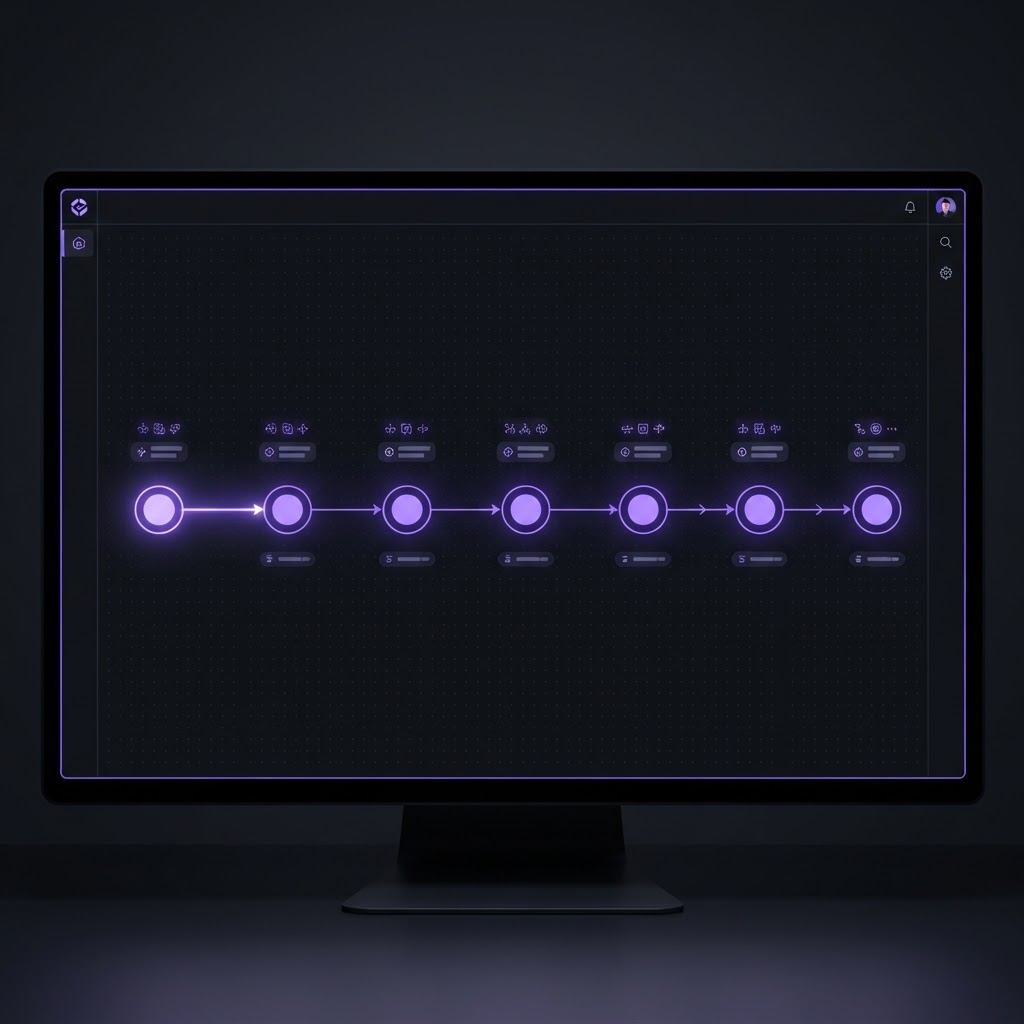
Images can float to the side so text wraps naturally around them. This paragraph flows beside a left-aligned figure, which is perfect for annotating a screenshot without interrupting the reader. Notice how the caption sits directly beneath the image in a monospace label, and the surrounding copy fills the remaining space. Floated media keeps long-form articles visually dynamic while preserving a comfortable reading rhythm across the full column width.
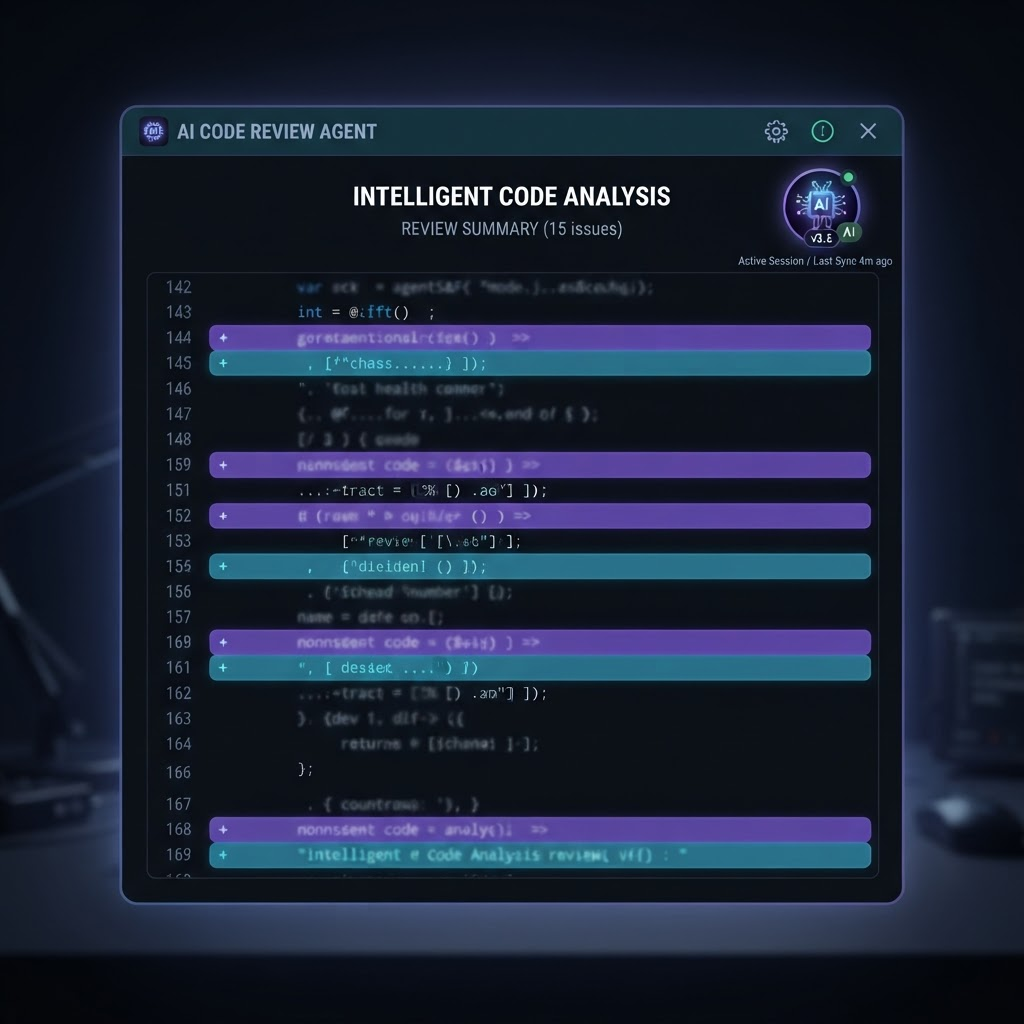
Right-aligned images work exactly the same way, mirrored to the opposite edge. Use them to alternate the visual cadence down the page so consecutive figures do not stack on the same side. The text column reflows around the figure until the block clears, then returns to full width for the next section. This is the classic magazine-style layout that makes technical writing feel considered and easy to scan.
Centered content
Plain Markdown images are centered by default and framed to match the product UI:
You can also center arbitrary blocks of text for emphasis:
Ship fast. Stay secure. Repeat.
Callouts
Carousels
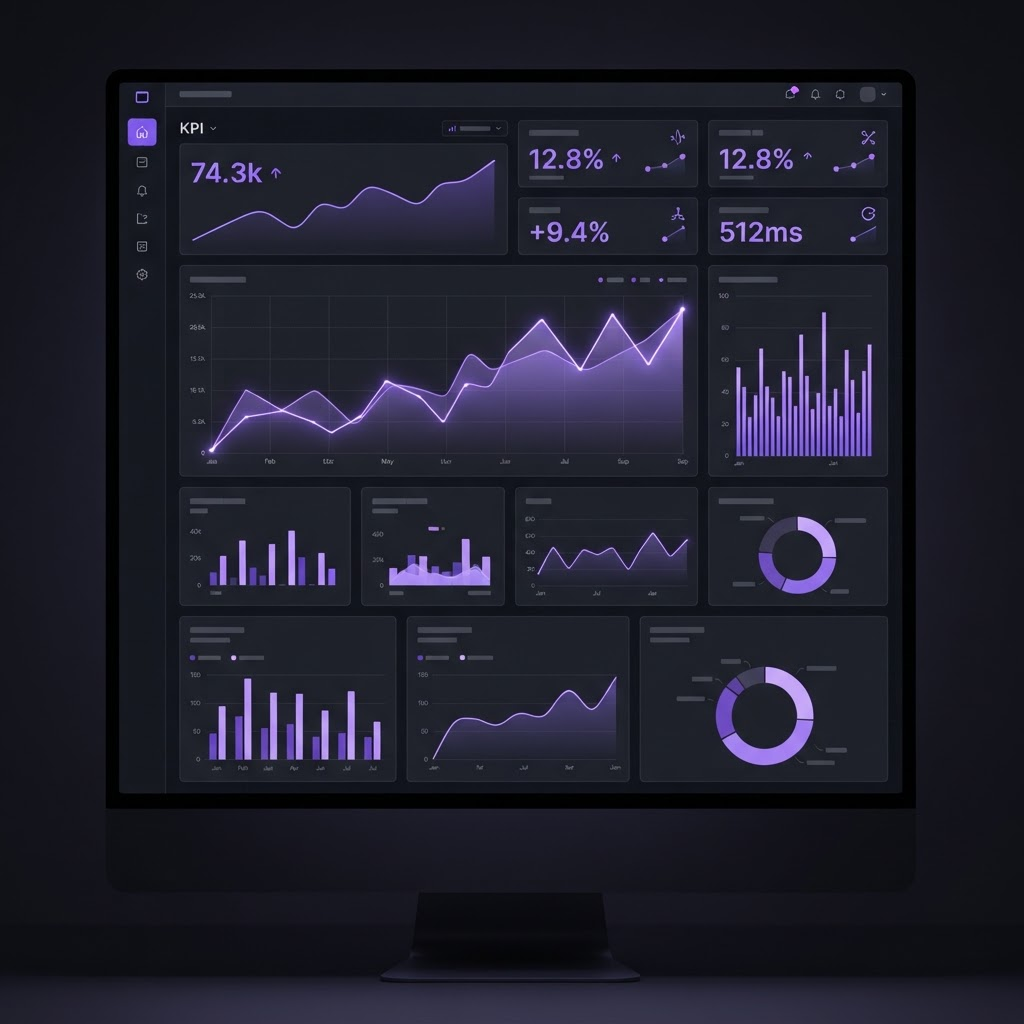
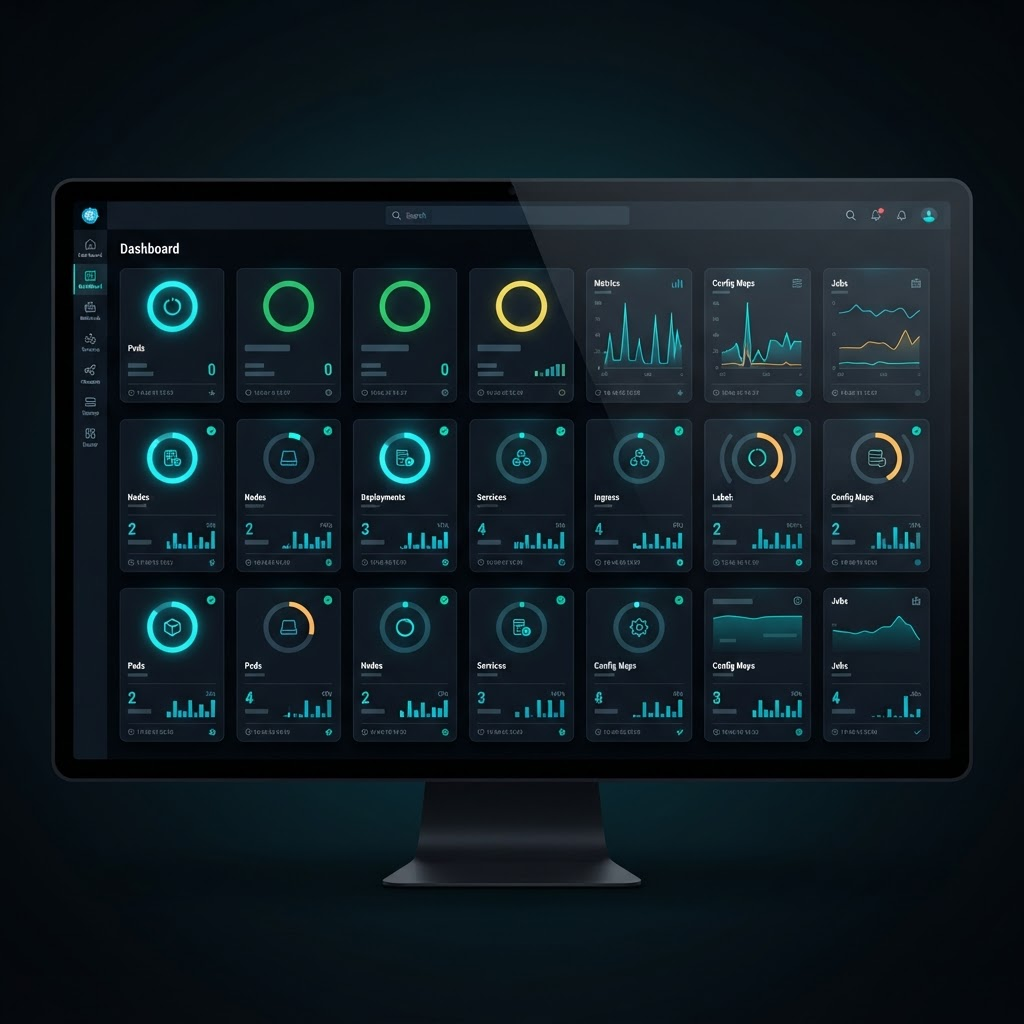
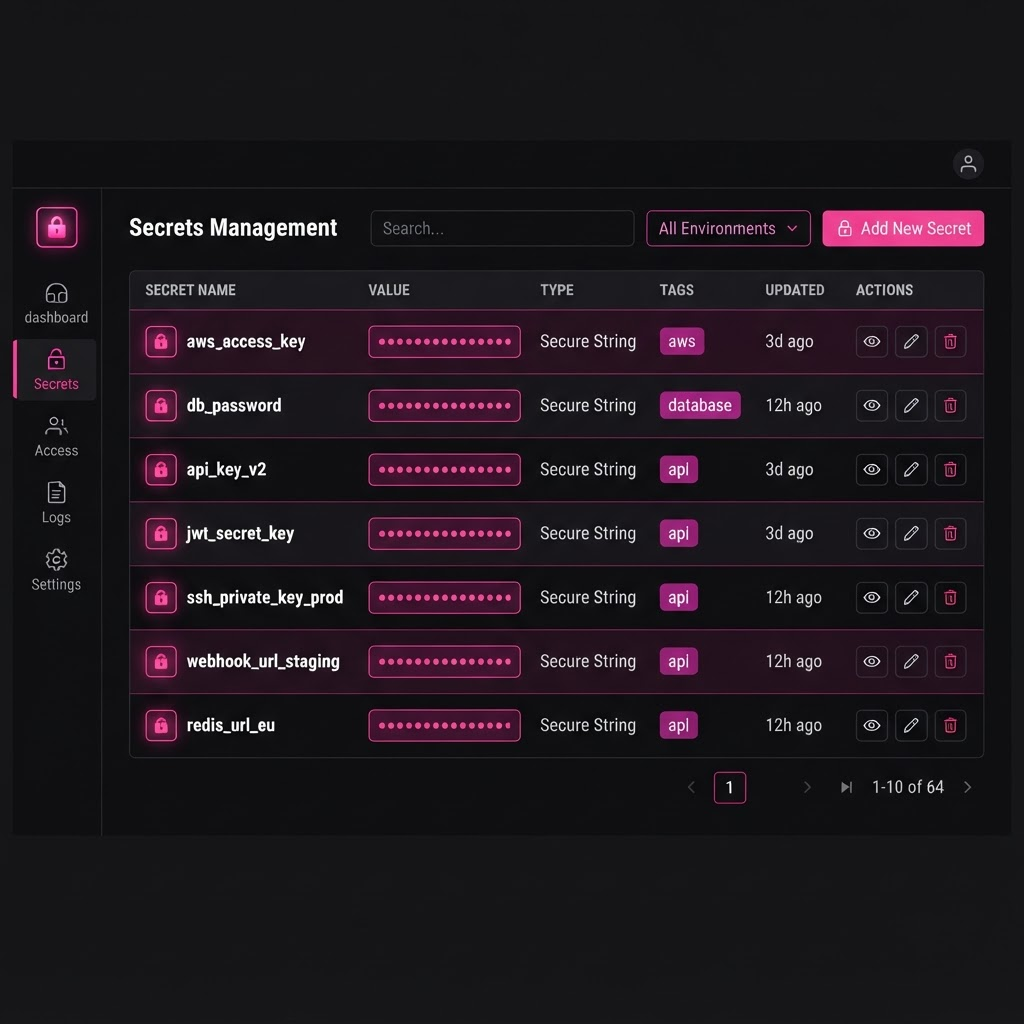
Group related screenshots into a swipeable, keyboard-navigable carousel:
Tables, quotes, and lists
Tables are supported through GitHub-flavored Markdown:
| Cabinet | Purpose | Accent |
|---|---|---|
| Warp | CI/CD pipelines | Cyan |
| Core | Identity & policy | Red |
| Lair | Secrets management | Pink |
Great arcades were fast, loud, and rewarding. Modern DevSecOps should feel the same — tight loops, clear signals, and a platform that makes shipping fun again.
And of course ordered and unordered lists:
- Author the post as a Markdown file.
- Drop images into
public/blog. - Publish — the renderer handles the rest.
- Inline code and fenced code blocks
- Left, right, and centered images
- Centered blocks, callouts, and carousels
- Tables, blockquotes, and lists